---
title: "Mobile App"
description: "Take essential PRO.FILE features with you everywhere to structure workflows, remodel business processes, and minimize complexity with PLM mobile."
url: "https://pro-file.com/plm-mobile/"
date_modified: "2026-03-30T12:30:42-04:00"
---

# Structure Workflows, Remodel Processes, and Minimize Complexity

Take the essential PRO.FILE features with you on the go—regardless of a stable internet connection—to flexibly access PLM mobile app functionality from various clients, systems, and locations. View and annotate existing documents whenever and wherever you need

[Download the Brochure](/digital-library/pro-file-document-management-system/)

---

## Put PLM Mobile Access at Your Fingertips

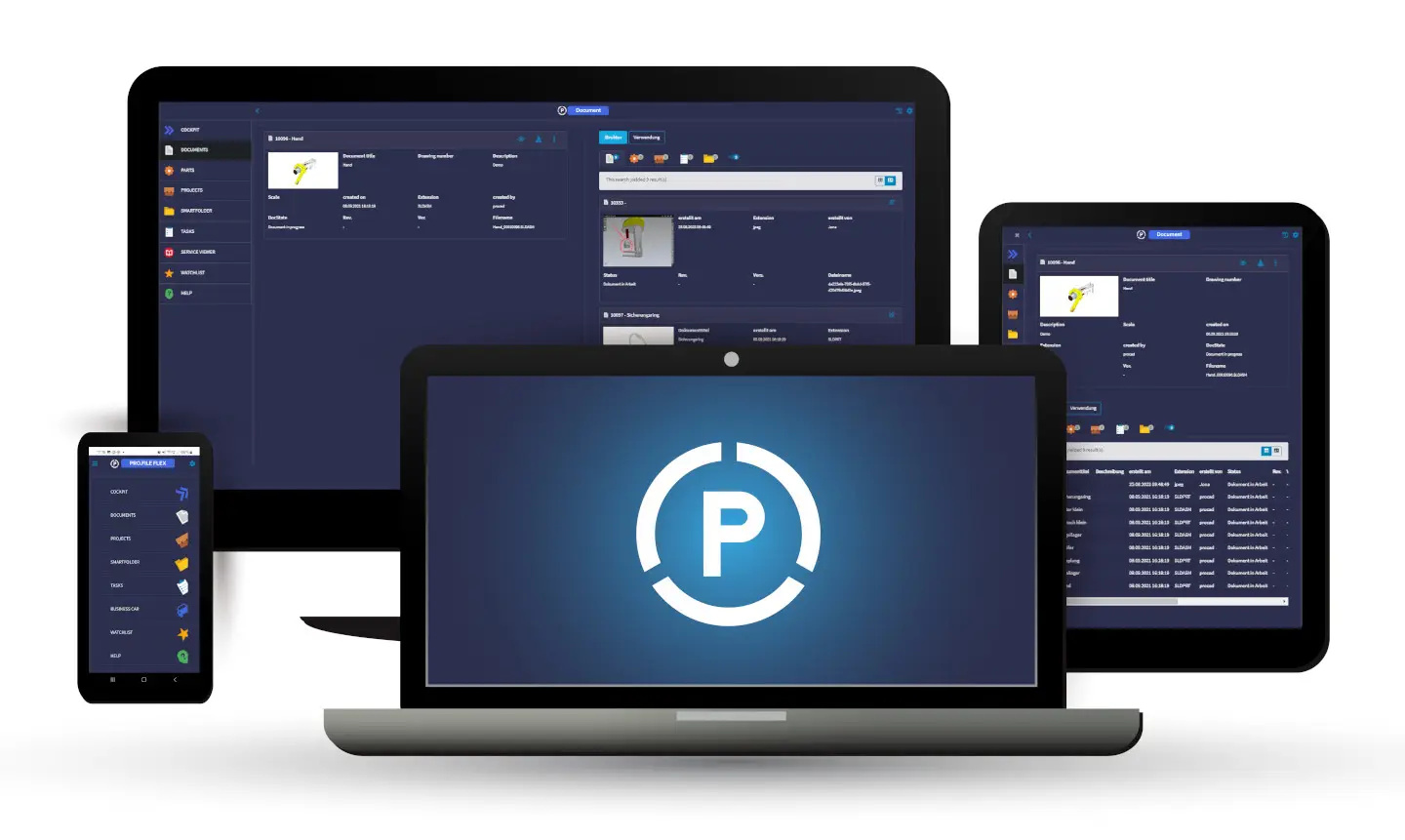
The PRO.FILE mobile app is available for download on Android or iOS mobile devices, on tablets through the Windows app, can be launched using internet browsers, and is independent of operating systems. The app is specifically designed to prioritizes configuration over programming to make it easy for PRO.FILE users to get started. It provides:

- Intuitive usability, which reduces complexity.
- Efficient, easy access to the PRO.FILE system so users can take advantage of the processes of a DMS app.
- External and internal access, with character and speech recognition.
- The infrastructure for you to easily set up clients by implementing one or more use cases for a clean design.
- Streamlined usability for people on mobile devices.
- Role-specific app features you can configure to your processes.

---

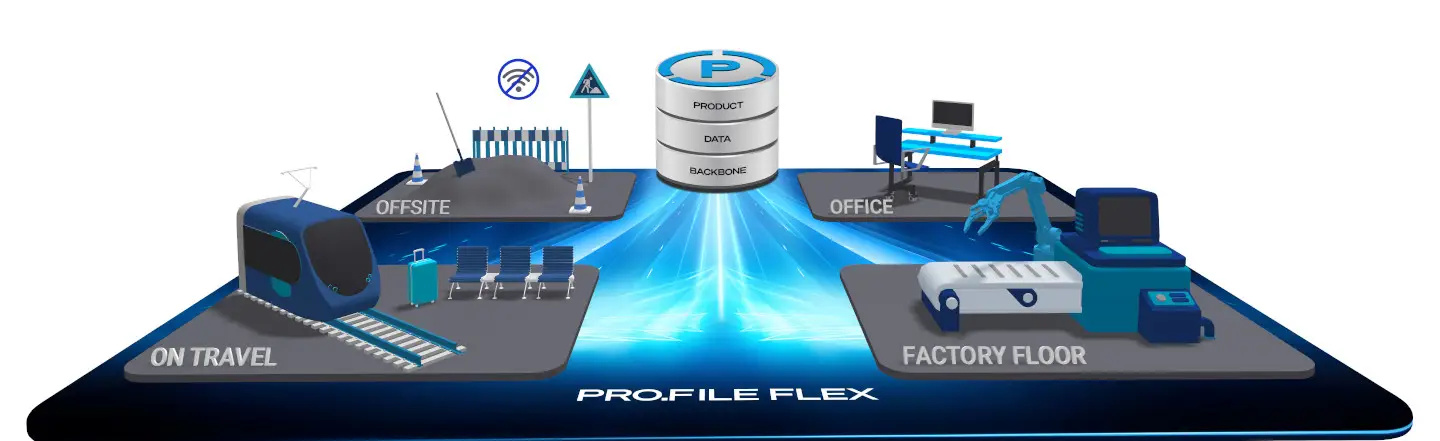
![Diagram showing connectivity between offsite, office, factory floor, and travel locations to a central product, data, and backbone system called PRO.FILE FLEX with enhanced PLM mobile access.](https://revalizesoftware.com/wp-content/uploads/sites/16/2026/02/profile-flex-en.jpg)

---

## Take Advantage of the Many Benefits of The PRO.FILE Mobile App

### “Work from anywhere” takes on a new meaning with the PLM Mobile:

- Configure the PLM app to meet your needs.
- Accommodate different work situations, regardless of stable Wi-Fi; work offline in the app and sync to PRO.FILE to update information when Wi-Fi is available.
- Use the device’s camera to take pictures and immediately upload them to the PRO.FILE system.
- Sign documents when not in the office.
- Download information while onsite.
- Monitor workflows and approve—or redirect—items in the queue.
- Define the design once, then reuse it in other instances.

![A smartphone, two laptops, and a tablet showcase the dark-themed pro.file flex software interface, with the PLM Mobile P logo prominently displayed on one laptop screen.](https://revalizesoftware.com/wp-content/uploads/sites/16/2026/02/profile-flex-en-2.jpg)

---

Need More Information? Ready to drive business transformation? Schedule a call with one of our specialists today. Schedule PLM Consultation